Modeling & Materials

Weekly Design Challenge

Tavree Som
991799861


Module 1


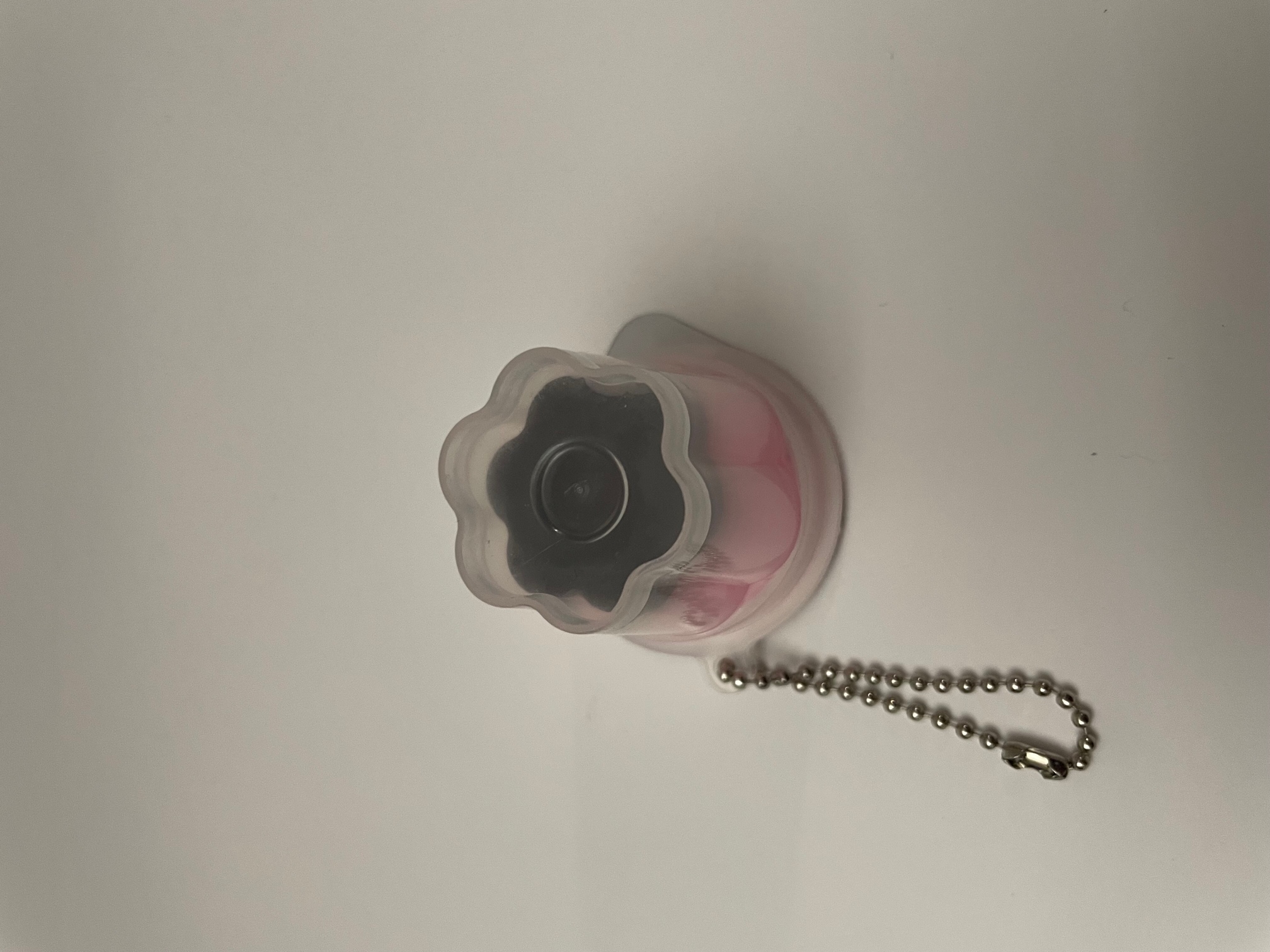
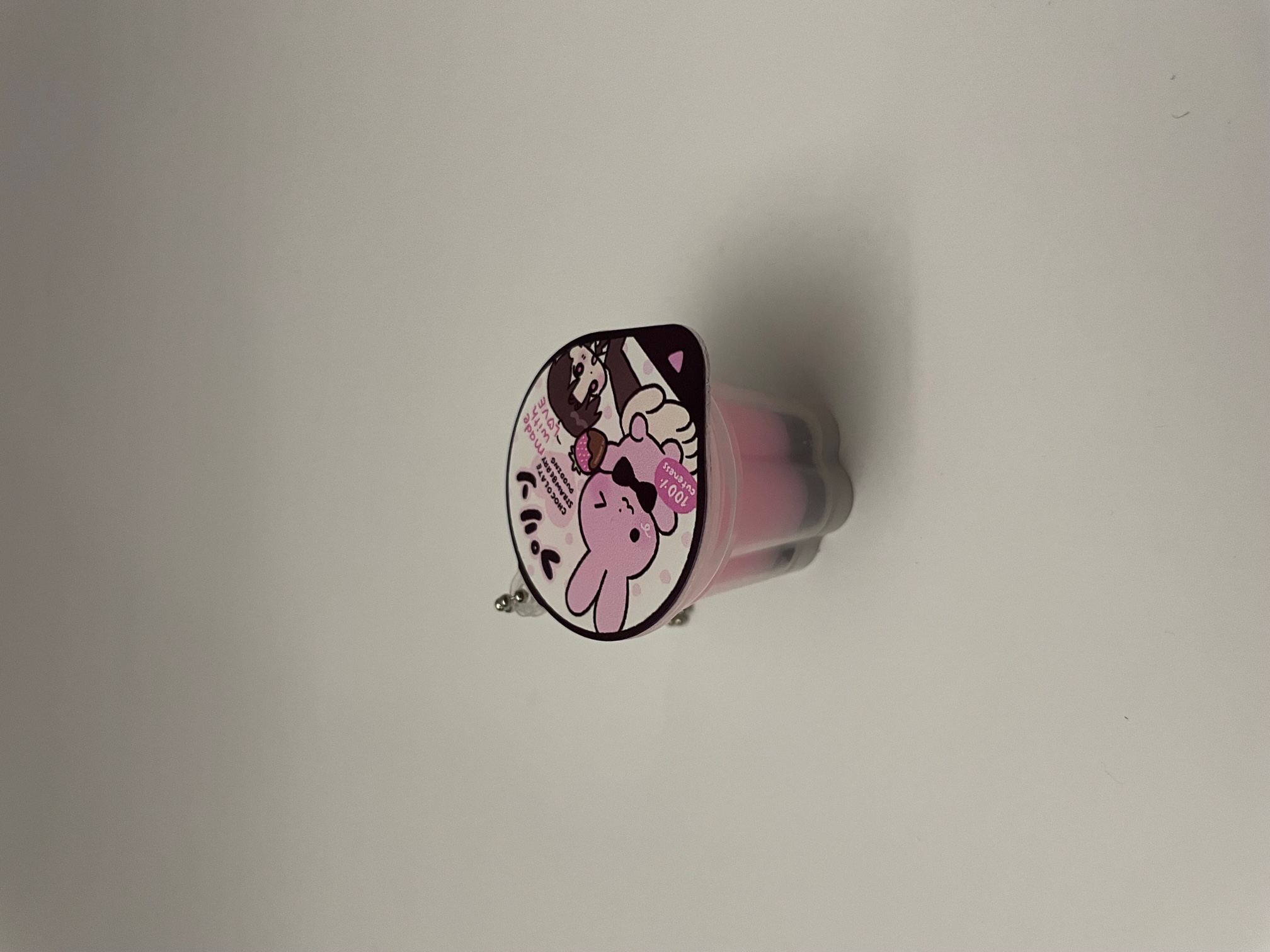
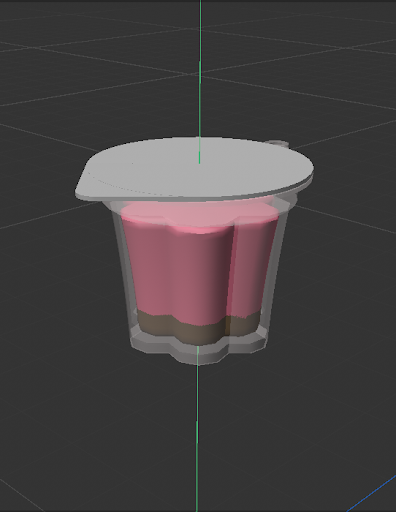
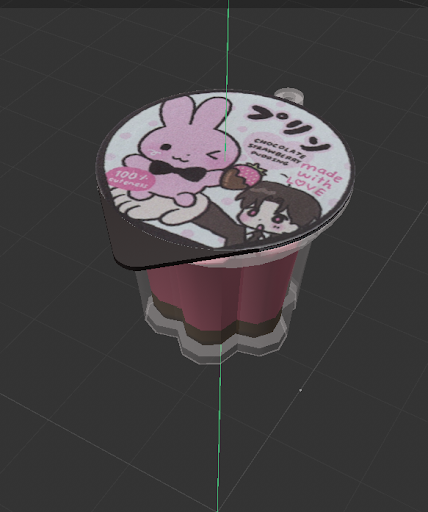
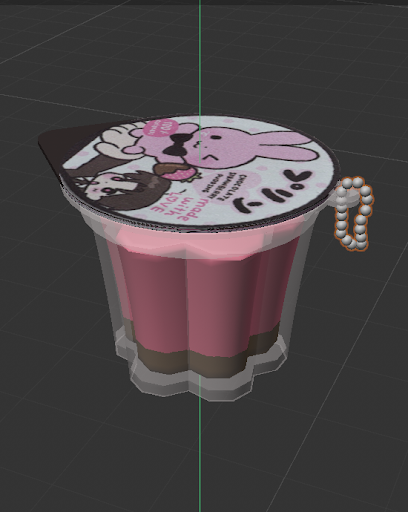
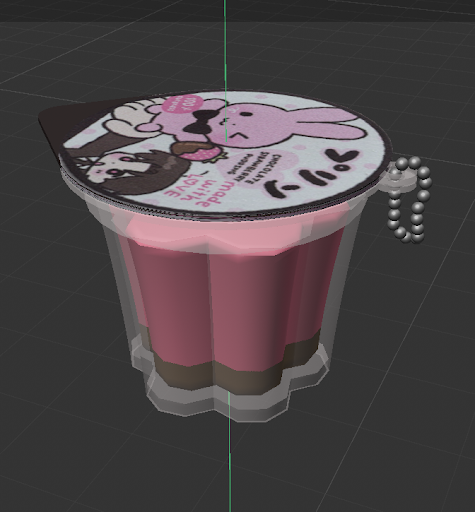
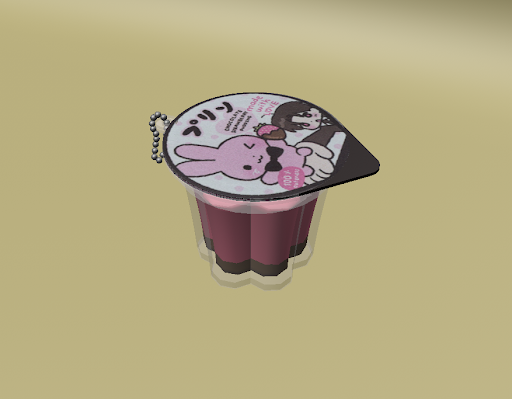
For Module 1, I have currently completed both Design Challenge 1 & 2. For Design challenge 1 the simple object I chose was my waterbottle. For Design Challenge 2 the complex object I chose was a pudding shaped keychain.

Design Challenge 1
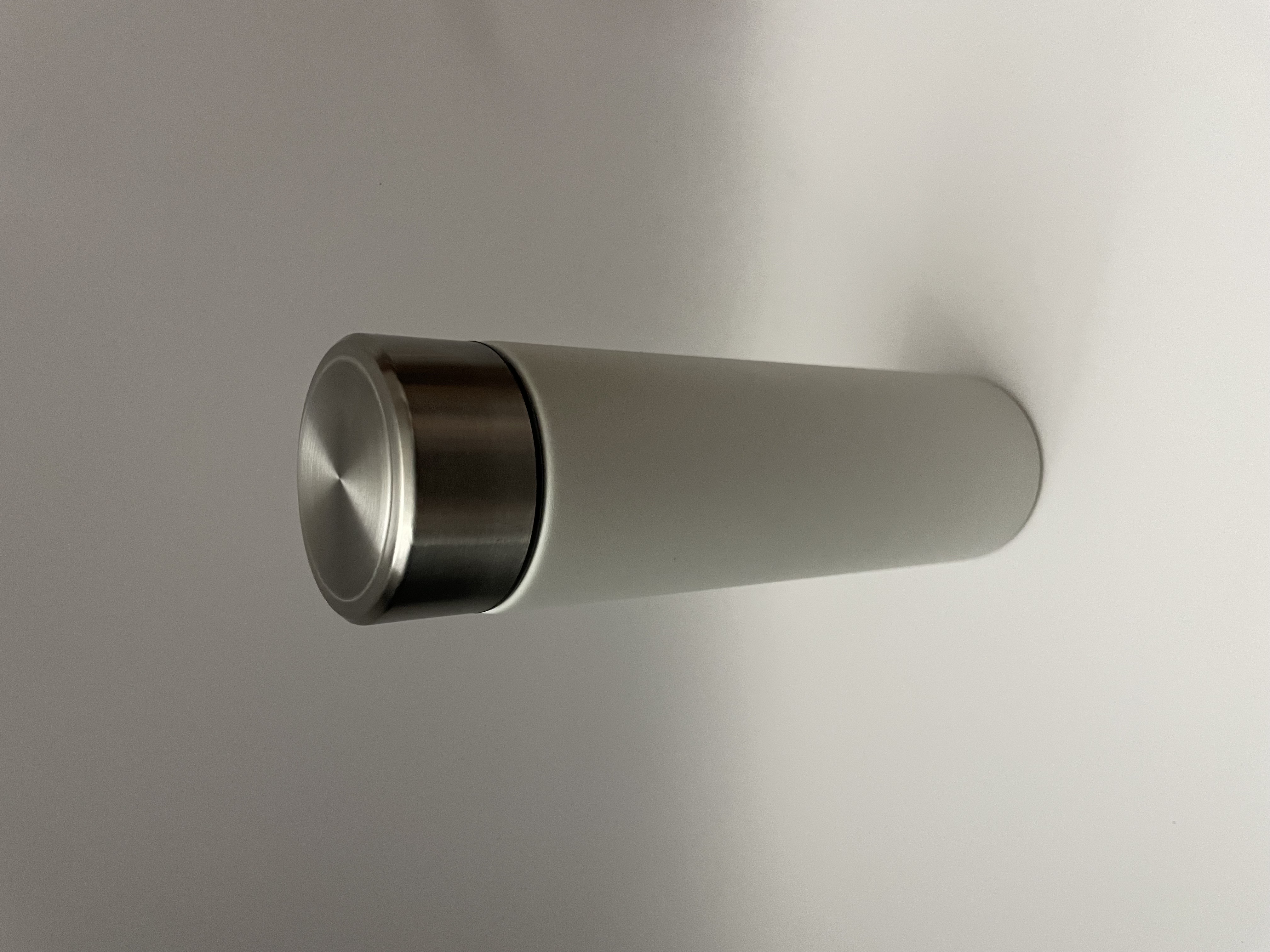
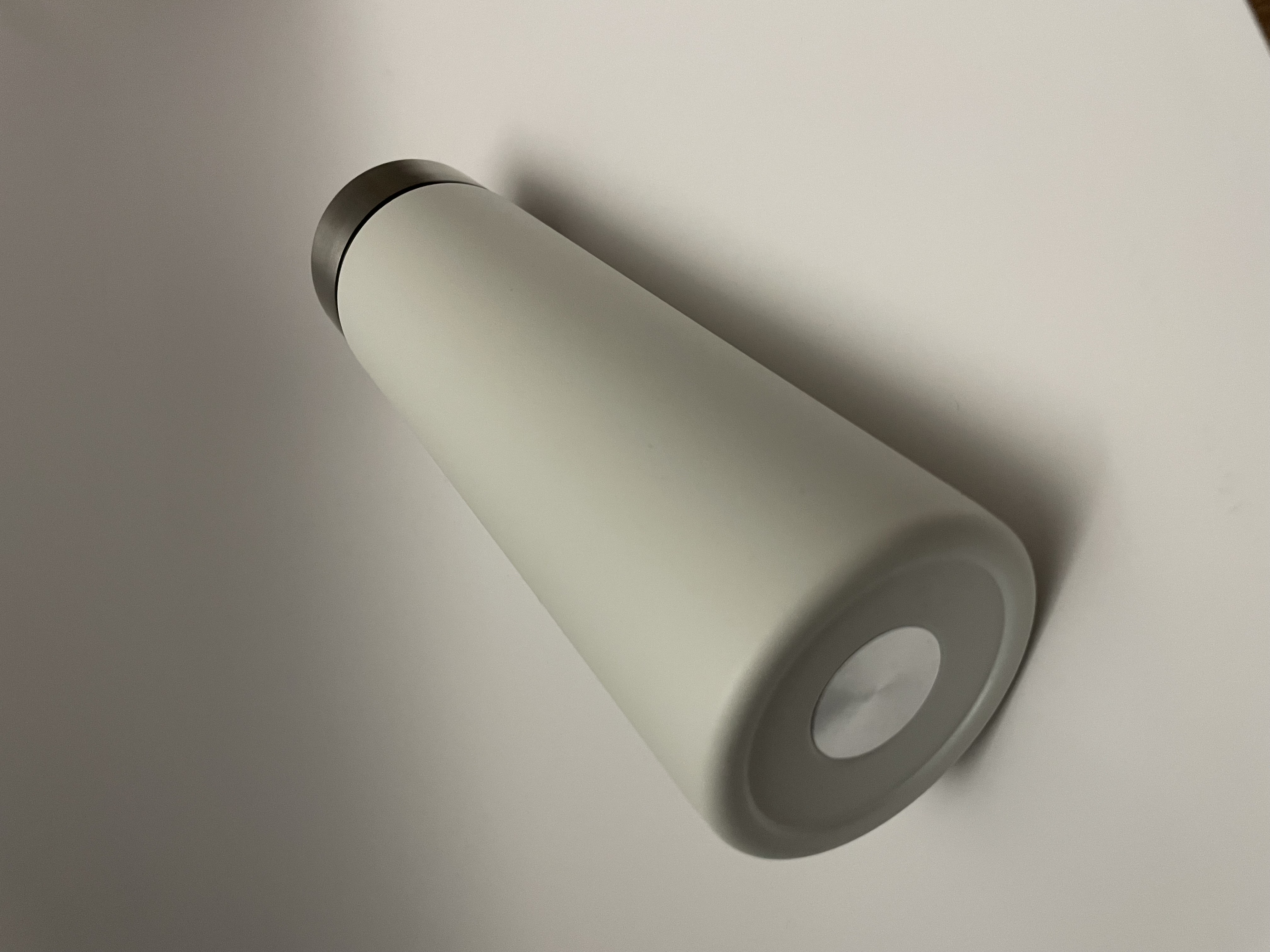
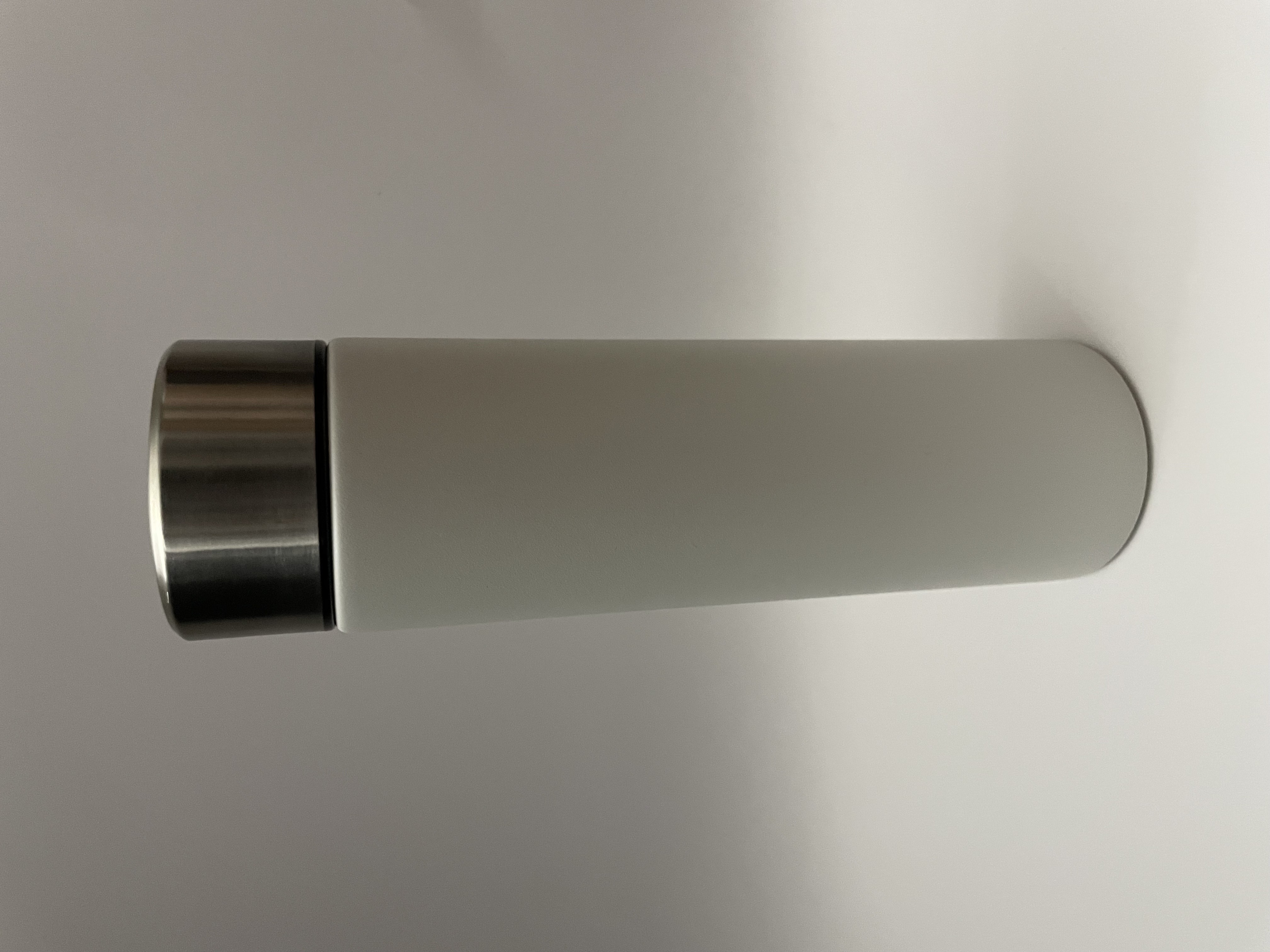
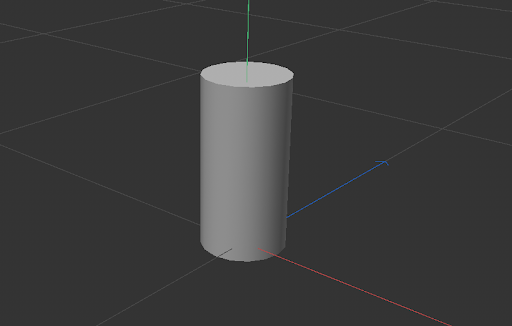
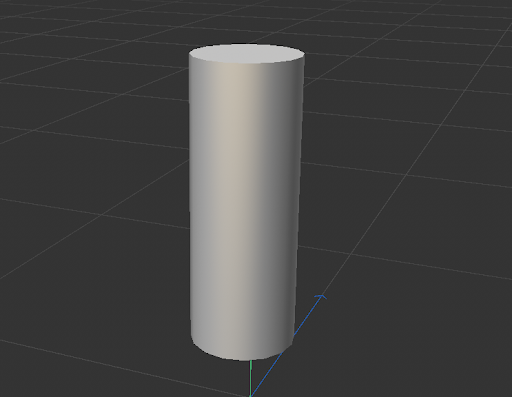
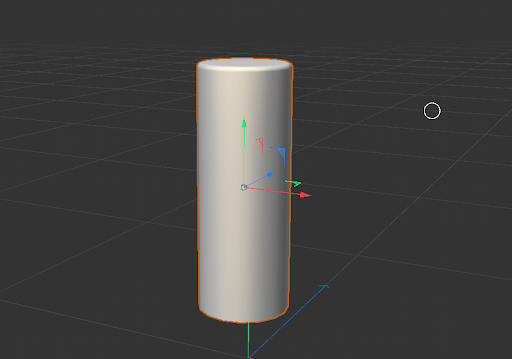
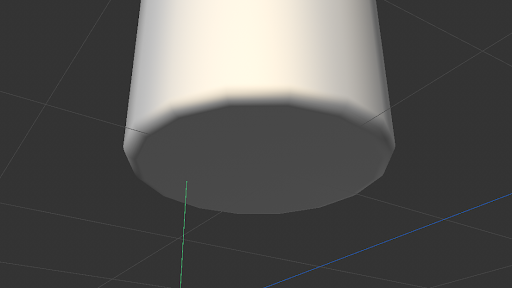
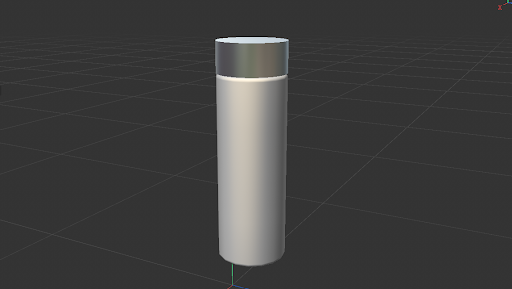
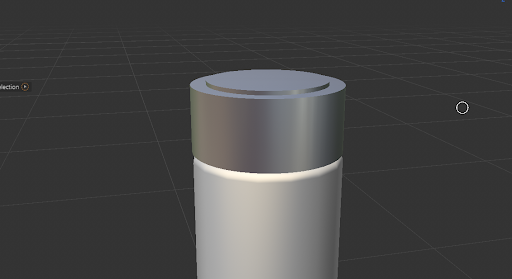
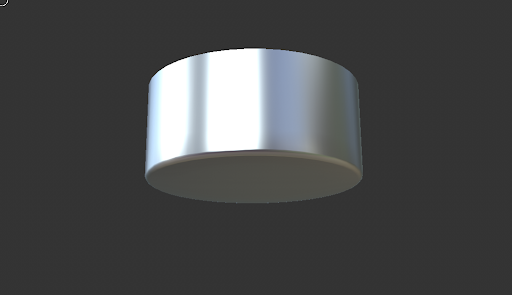
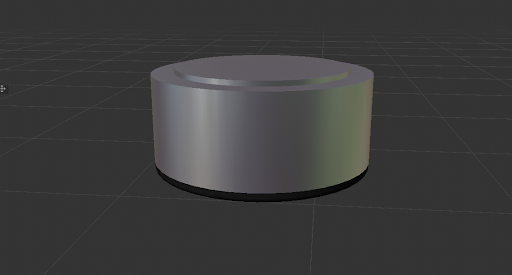
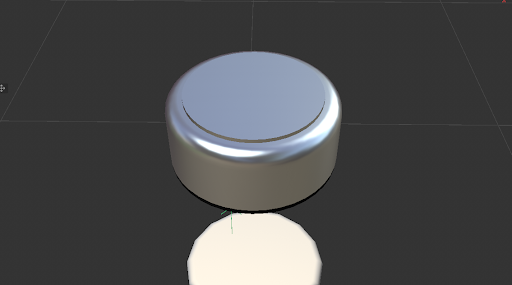
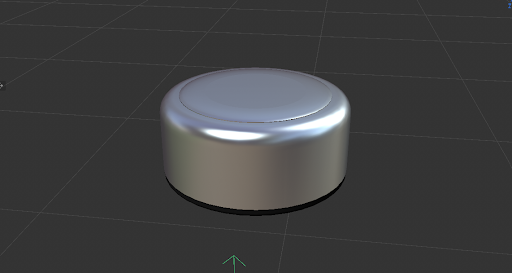
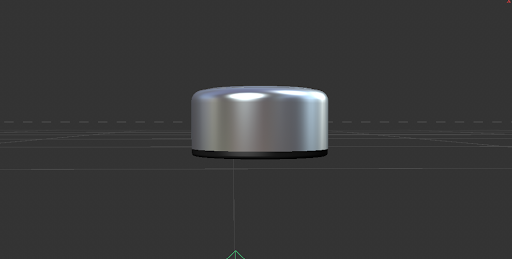
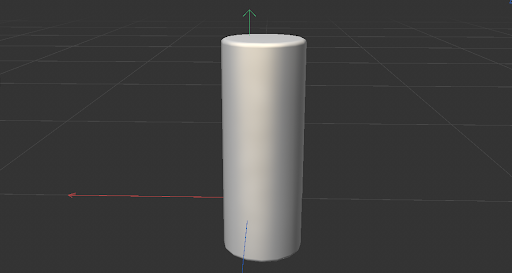
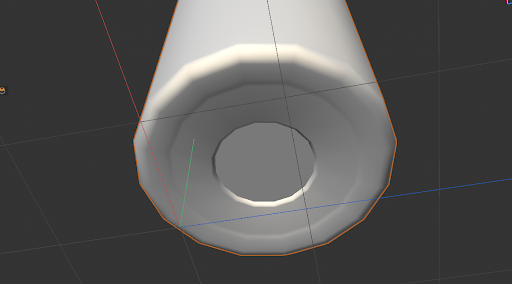
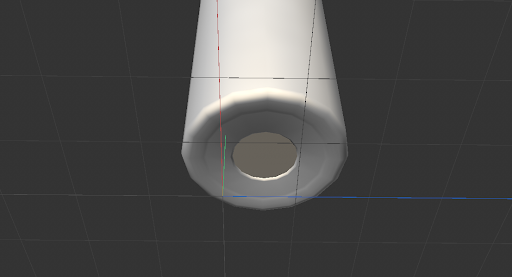
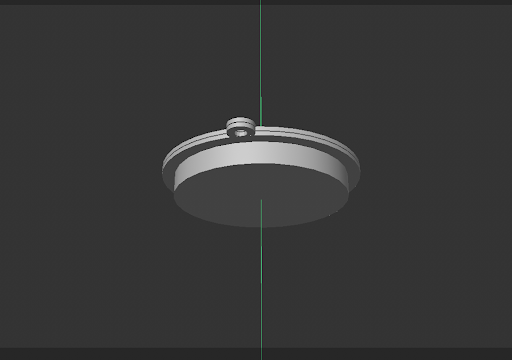
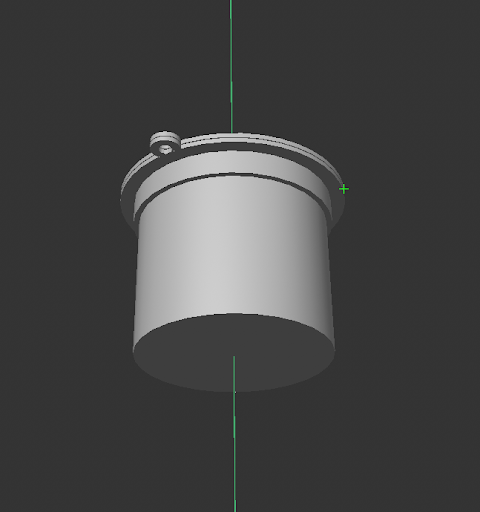
Formstorming Image #1: A straight-ahead view of my waterbottle Formstorming Image #2: A view of my bottle from below Formstorming Image #3: A view of my bottle from the top at a slight angle I brought in a cyclinder onto my workplane to begin I adjusted the height and radius of the cylinder to match the measurements
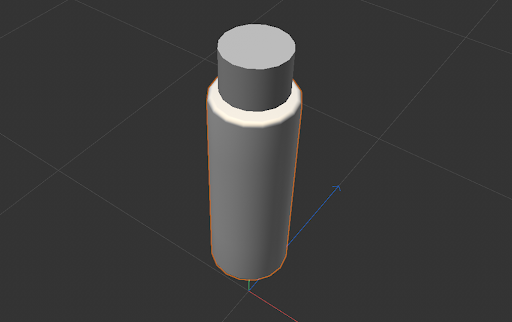
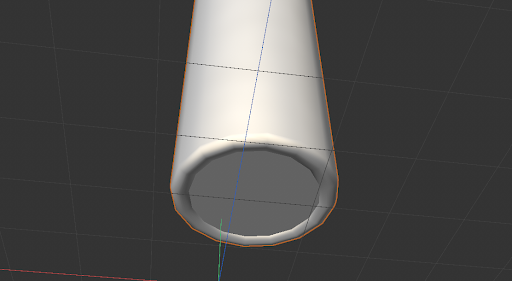
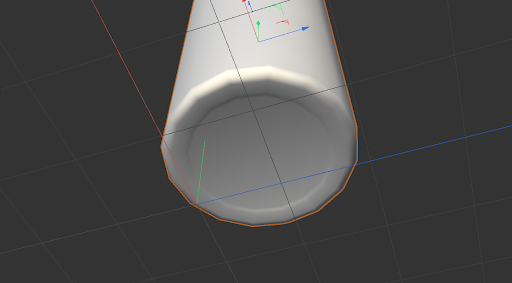
          of my waterbottle. I also changed the lighting and colour of the material. I added a bevel at the top because my bottle has a slight curve Adding the same bevel onto the bottom of my bottle I brought in another cylinder for the lid and aligned it with the top of my bottle Adjusting the height and radius of the lid to match my reference I added a metalic material onto the lid and adjusting the lighting to make it look reflective There is a slight protrusion at the top of the lid. To make this I added a smaller cylinder
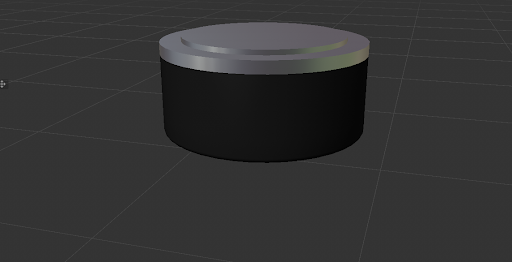
          onto the top of the lid I added a bevel at the bottom of the lid so it wasn't too sharp There is a black rim at the bottom of the lid. I duplicated the cylinder used for the lid and changed the 
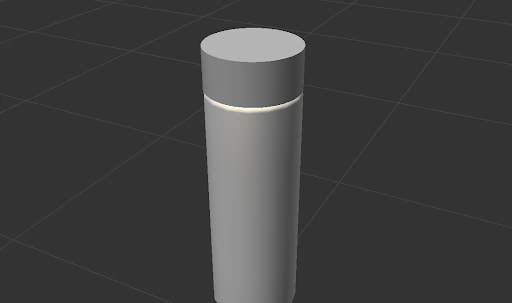
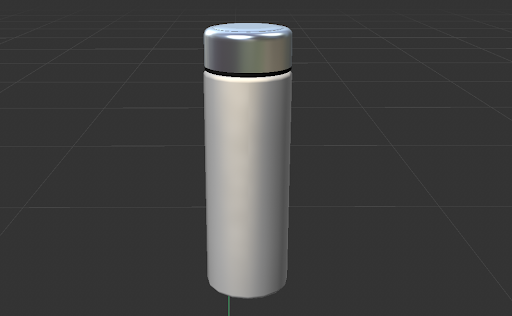
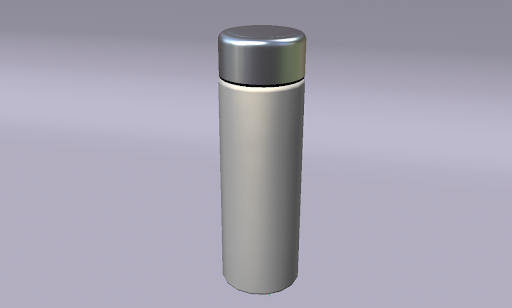
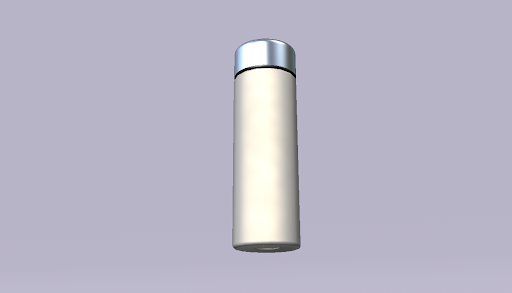
          colour of the material to black Adjusted the height of the black cylinder to be smaller Added a bevel to the top of the lid Added a bevel at the lid protrusion as well I eeadjusted the height of the lid to be slightly shorter I brought back the bottle base I moved the lid onto the base and made sure it was aligned properly Added curvature at the bottom using the edge face and a bevel Smoothened the bevel Moved the middle face slightly inward so I could add the metal part at the bottom Added a metal material to the bottom part Final Picture #1: Top angle view of my final model with a backdrop Final Picture #2: Bottom angle view of my final model with a backdrop

Design Challenge 2
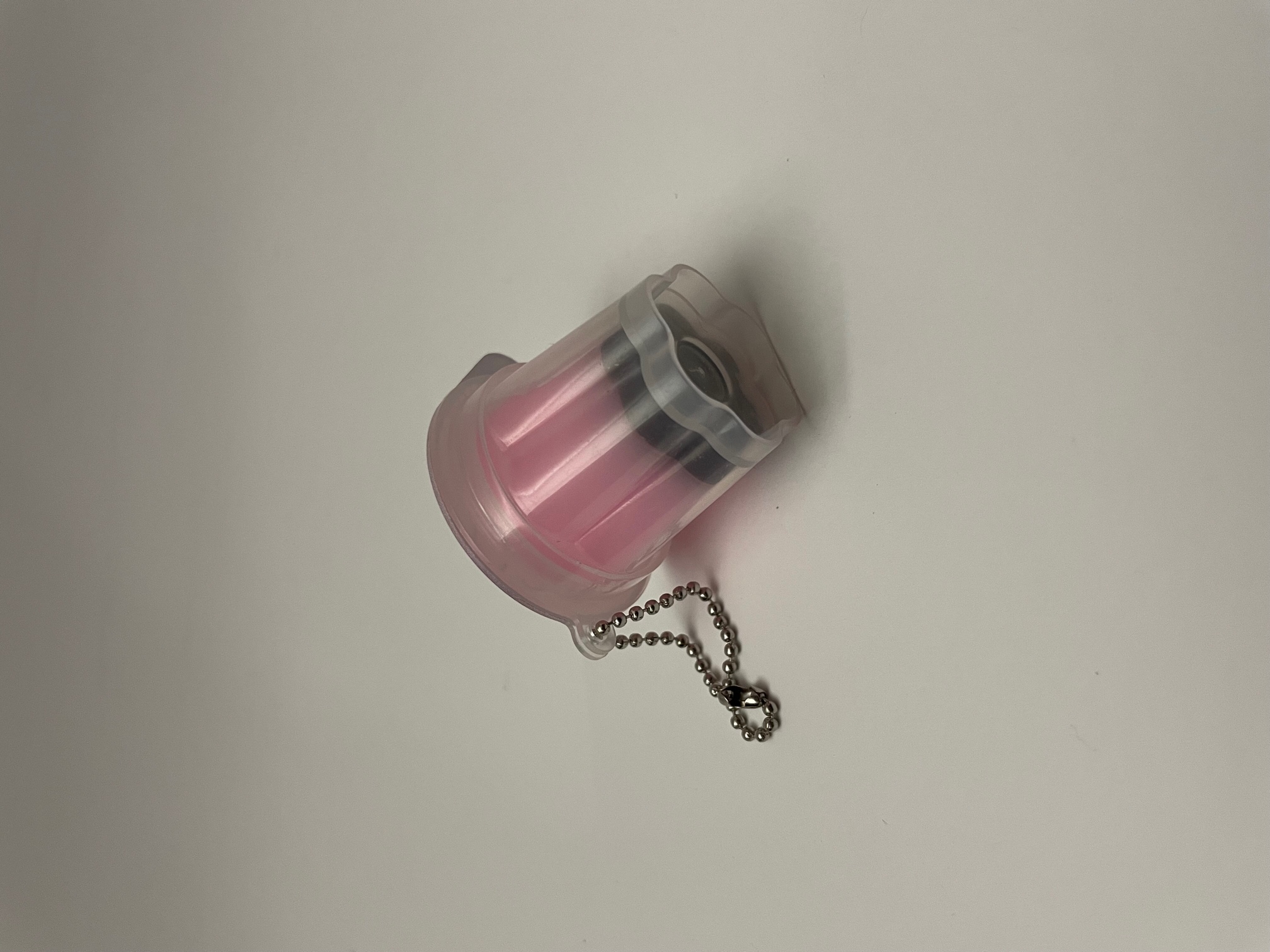
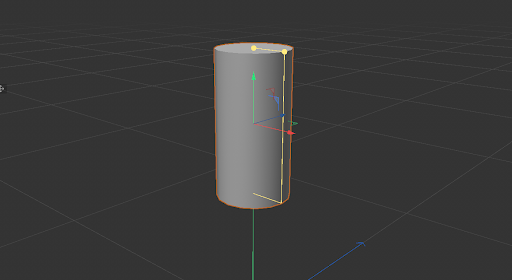
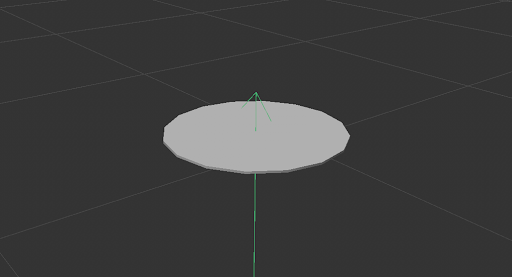
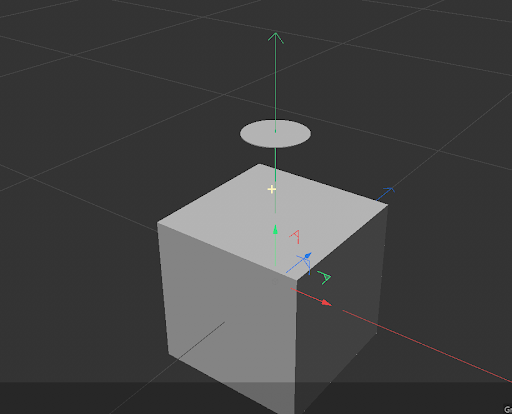
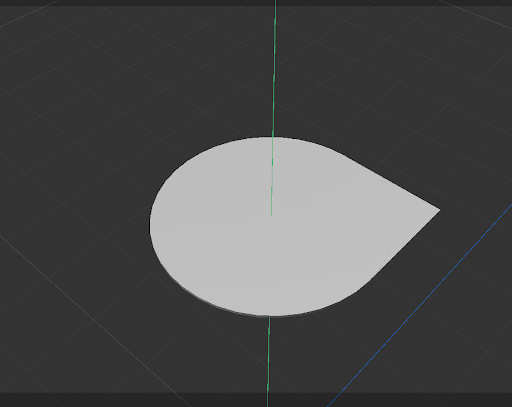
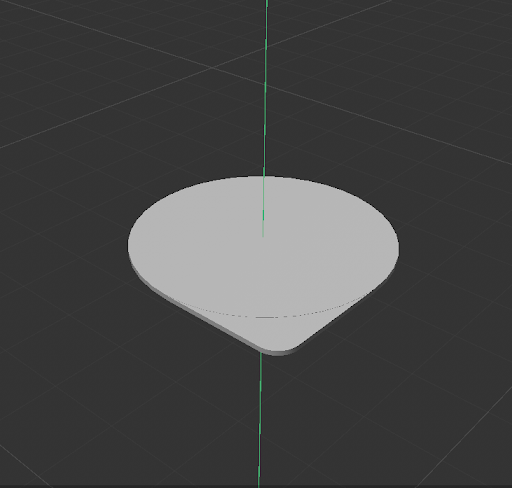
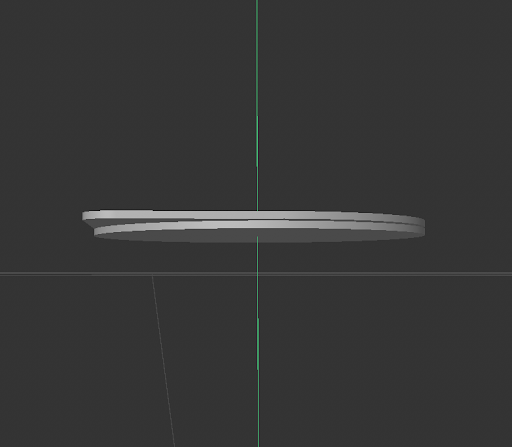
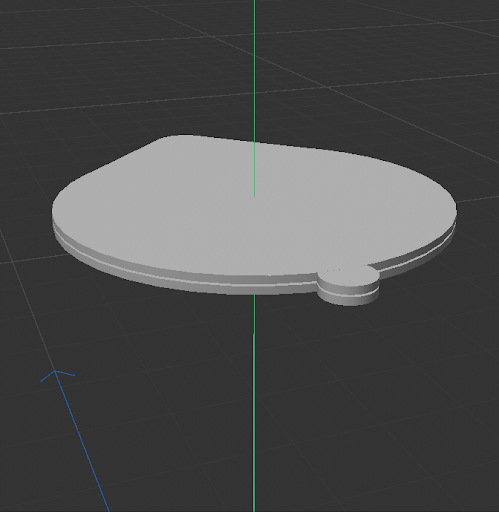
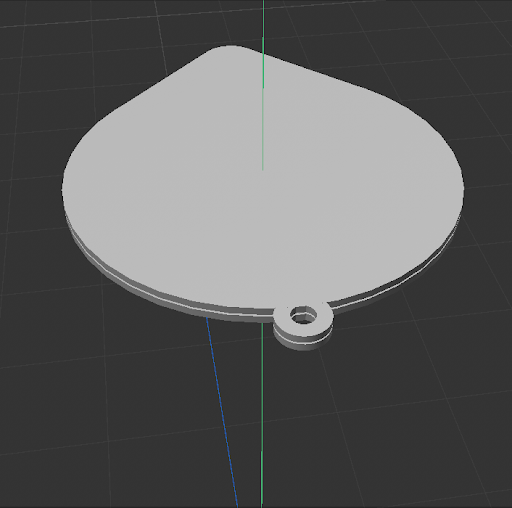
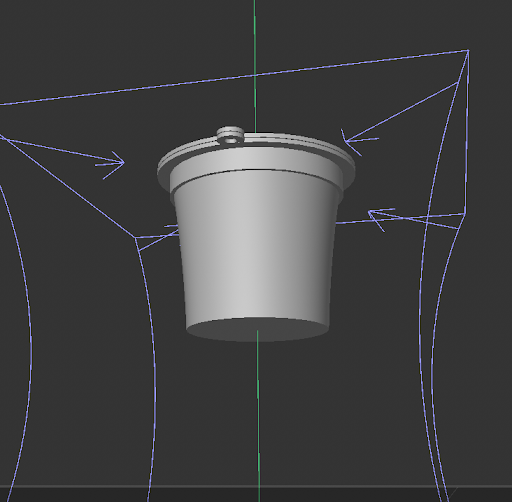
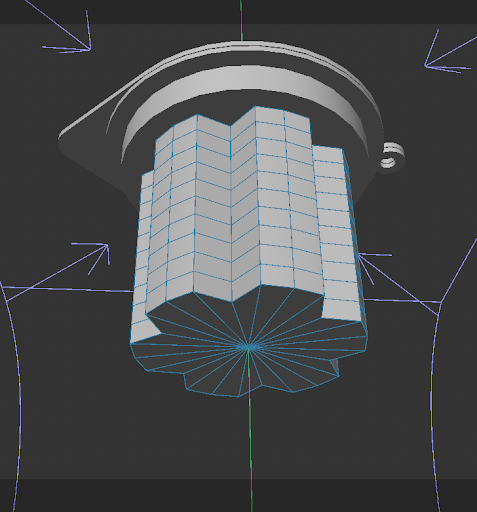
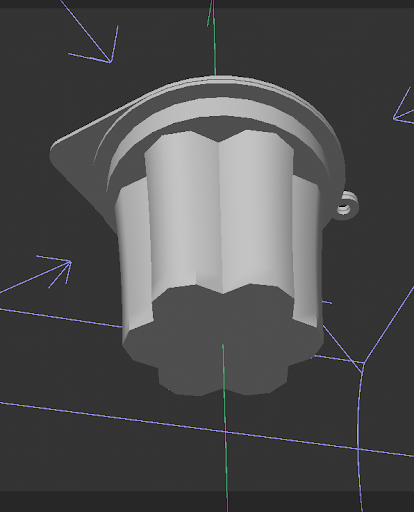
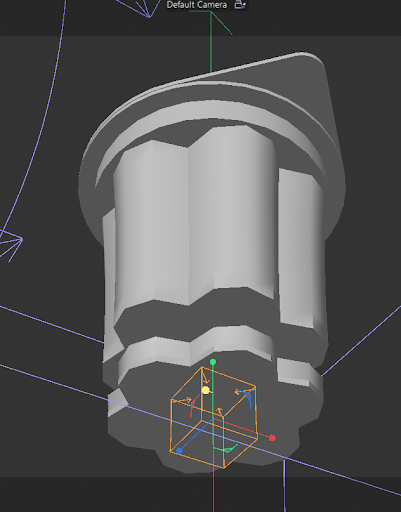
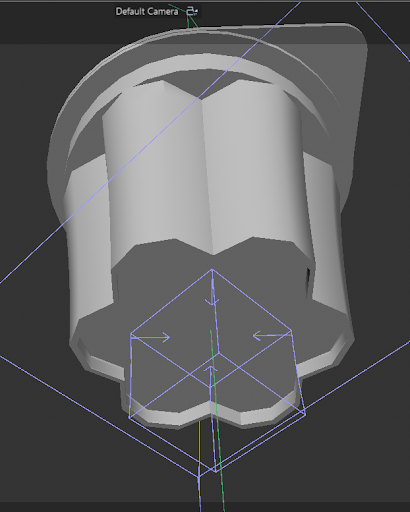
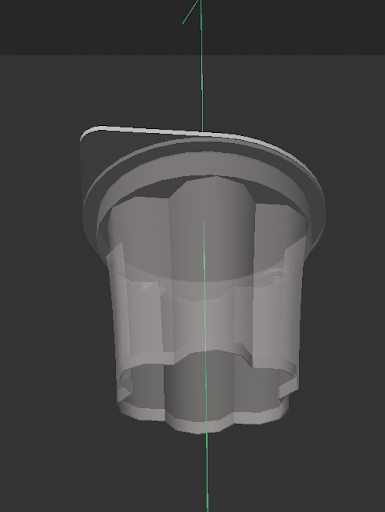
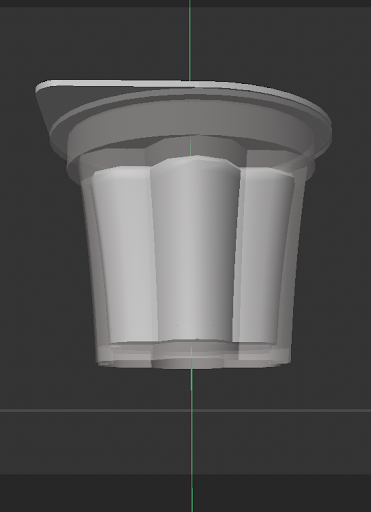
A side view of my chosen object - a pudding charm Bottom view of the pudding charm Top view of the pudding charm I started out by adding a cyclinder to make the lid I changed the height and radius to match the lid of the charm I brought in a cube to make the protruding part of the lid ALtering the height and size of the cube and aligning it with the cylinder Adding a bevel to recreate the curve I duplicated the cylinder and moved it lower to create the top of the container Added two small cylinders to make the ball keychain attachment I used a boolen and a cyclinder to create a hole for the ball chain adding another cylinder for the base Adding a final cylinder for the flower shaped part tapering the cylinder Using the edge selection tool and moving in the edges to create the flower shape Creating a smoother curve for the base Duplicating the base cylinder to create a boolean Applying the boolean Adding a transparent material to a majority of the pudding base Duplicated the base cylinder and shrank it to create the pudding itself. Beveled to make it smoother on the edges. Changing the colour of the pudding Adding a scanned texture of the pudding label image Used spheres to create a ball chain Added a metal material to the ball chain Final photo

Material Workshop 1
put a description here or you will lose grades<a href='https://www.youtube.com/embed/tgbNymZ7vqY' target='_blank'><p>Project Video Link</p></a> put a description here or you will lose grades <div class='container'><iframe class='responsive-iframe' src='https://www.youtube.com/embed/tgbNymZ7vqY'></iframe></div> put a description here or you will lose grades

Material Workshop 2

put a description here or you will lose grades <a href='https://www.youtube.com/embed/tgbNymZ7vqY' target='_blank'><p>Project Video Link</p></a> put a description here or you will lose grades <div class='container'><iframe class='responsive-iframe' src='https://www.youtube.com/embed/tgbNymZ7vqY'></iframe></div> put a description here or you will lose grades

Project 1


Project 1 Models

Published 3D Model 1

PLACEHOLDER TEXT, put a description here or you will lose grades
put a description here or you will lose grades <div class='container'><iframe class='responsive-iframe' src='https://hudak.phoenix.sheridanc.on.ca/P1Stuff/Index.html'></iframe></div>

Published 3D Model 2

PLACEHOLDER TEXT, put a description here or you will lose grades

put a description here or you will lose grades <div class='container'><iframe class='responsive-iframe' src='https://hudak.phoenix.sheridanc.on.ca/P1Stuff/Index.html'></iframe></div>

Published 3D Model 3

PLACEHOLDER TEXT, put a description here or you will lose grades

put a description here or you will lose grades <div class='container'><iframe class='responsive-iframe' src='https://hudak.phoenix.sheridanc.on.ca/P1Stuff/Index.html'></iframe></div>
×

Powered by w3.css